Key points
- Plan conduits and back boxes before plastering, even if equipment comes later
- Bring every camera and access cable back to one small rack location
- Provide power and a network point at the gate
- Leave spare conduits: they cost little now
Decide what you may want, not just what you will buy now
Even if you install only a few cameras and a door phone at move-in, plan the cabling for everything you might add: more cameras, a gate motor, smart locks, Wi-Fi access points and automation.
Choose a central point
Pick one ventilated spot, such as under the staircase or a utility room, for the recorder, network switch, router and UPS. Every camera and network cable returns here.
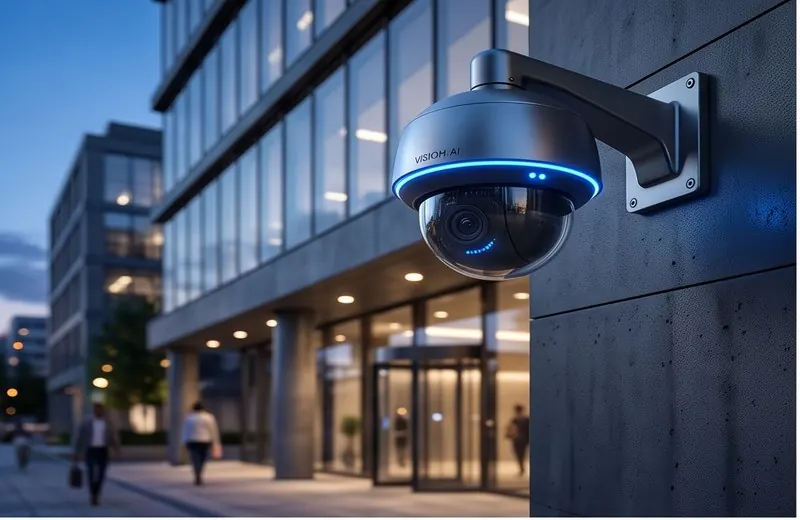
Camera points
- Gate, both sides of the compound, parking and every external door
- Height and position agreed with the architect, away from direct sun and trees
- A conduit to each point with a weatherproof box outside
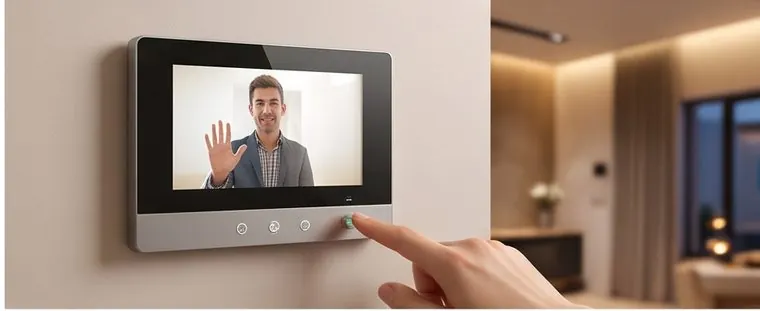
Gate and door phones
- Cable from the gate to the indoor monitor locations, and to the central point
- Power and conduit at the gate for a gate motor or electric lock, even if it comes later
- A monitor location on each floor you want to answer from
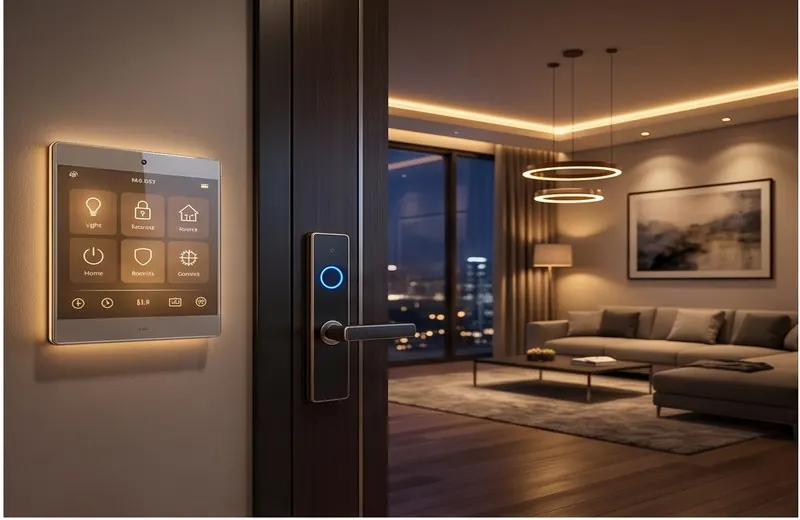
Smart locks and access
Most smart locks are battery powered, but door frames for electric strikes or magnetic locks need cable and planning in advance.
Wi-Fi
Network points in the ceiling or high on walls for access points, one per floor at minimum, wired back to the central switch. Wireless mesh is a fallback, not a plan.
Automation
For wired automation, deeper switch boxes, neutral wire at every switch point and conduits for motorised curtains and sensors. For wireless systems, a neutral at switch points still widens your choice of smart switches.
Power backup
Put the central point, the gate and the door phone on the inverter or UPS circuit.
Spare conduits
A spare conduit to each floor and to the gate costs very little now and saves breaking walls later.
We can work from your architect’s drawings. Book a site visit or read about smart home automation.